Start with the information your team needs
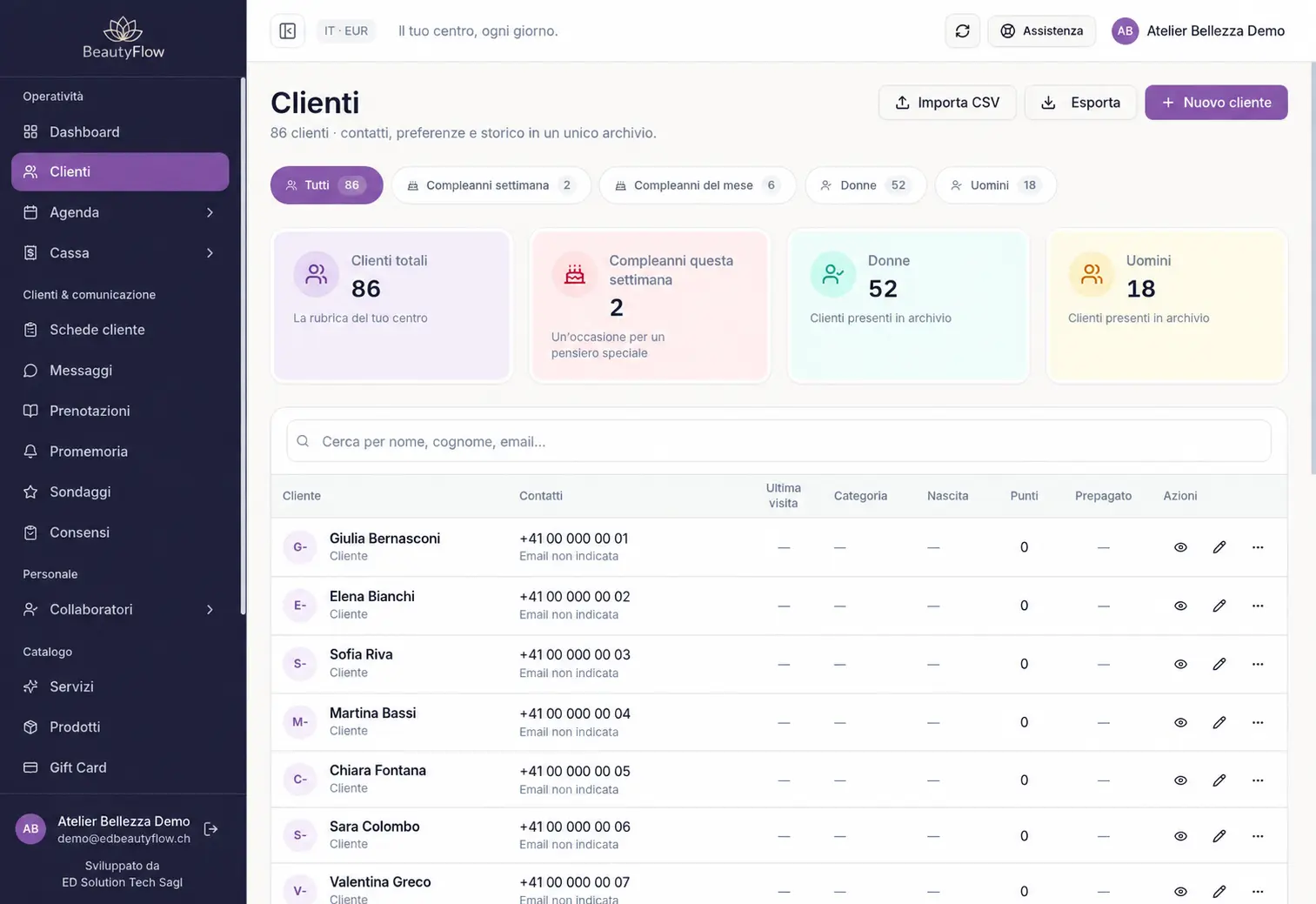
Use the client record for details that help you identify and contact the person: name, phone number, email and service-related notes. In ED BeautyFlow, this information sits alongside the client’s appointment history. Collect information relevant to managing the client relationship.
Refer to earlier appointments
Appointment history helps you review visits recorded against the client. When someone calls to arrange another session, you can refer to those appointments and plan the next one in the calendar. The workflow uses the same client record rather than a separate paper form for each booking.
Separate basic records from technical treatment notes
Contacts, general notes and appointment history belong to the internal client directory. Beauty treatment records, Hair colour formula history and consent documents have their own module requirements. The demo distinguishes the basic record from the additional tools available with the selected plan.
See how a digital record supports daily work
A demonstration can show a client, a useful service note and the linked appointments. A PDF template or spreadsheet can outline fields to collect; the management system connects those records to the working calendar. Explore the actual software workflow using demo data.
Give staff access according to their roles
Users see information permitted by their role within the business. Sales history and financial sections follow their own modules and permissions. We use anonymised examples in demonstrations so that you can assess the organisation of client information without entering real customer data.