Communications connected to appointments

WhatsApp appointment reminders for salons and beauty centres

Remind clients about their appointment with WhatsApp confirmations and reminders configured in the software. ED BeautyFlow connects communications to your business’s work, according to channel settings and recorded consent.

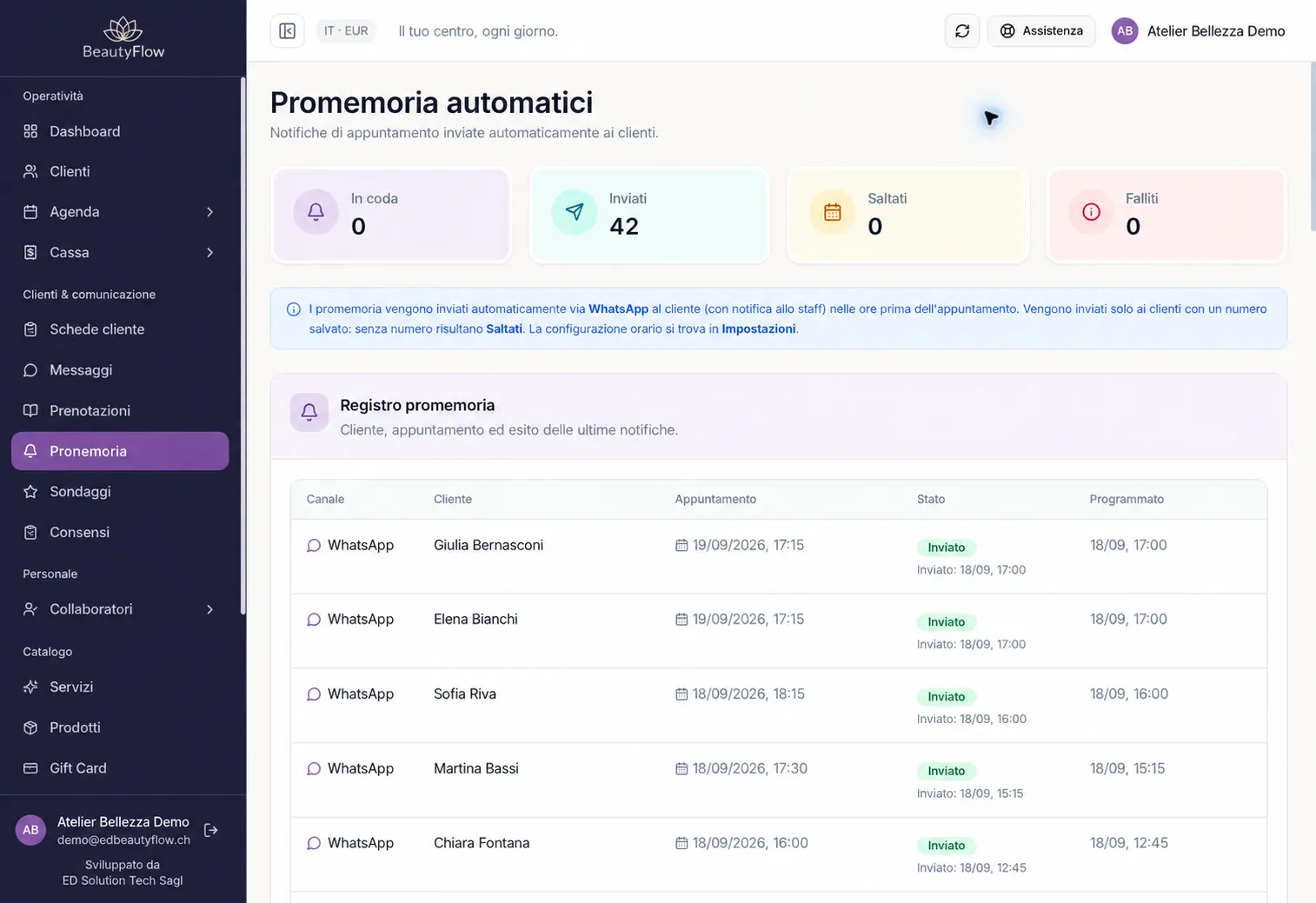
ED BeautyFlow web software reminders log with demonstration data
ED BeautyFlow web software with demonstration data.

From your appointment to the reminder

The client, service and time are already in the software. When the channel is active and the required conditions are met, the system can send the appointment confirmation and reminder, including the reminder 24 hours beforehand provided for in the configuration.

Check the status of communications

The reminders log distinguishes sent, pending and failed messages. The sending status helps with operational checks; it does not confirm that the client has read the message.

Understand setup and costs before activation

WhatsApp is optional in every plan. The channel requires configuration, and sending costs are separate from the subscription fee. Before activation, your offer specifies the setup and conditions that apply to your business.

A message connected to the booked treatment

The reminder can include the business name, service and appointment information. The message follows the channel configuration and recorded consent, keeping the communication connected to the booked service.

Review your salon’s workflow

During the demonstration, we look at an appointment and its reminders log using demonstration data. Together, we check your business’s needs, the channel and the conditions to define before activation.

Frequently asked questions

Can I add WhatsApp to the Agenda plan?

Yes. WhatsApp reminders are optional in every plan, with channel configuration and separate sending costs.

When is the reminder sent?

Sending follows the channel and appointment settings. The intended workflow also includes a reminder 24 hours beforehand, where configured and applicable.

Where can I check messages?

The reminders log shows operational statuses, including sent, pending or failed. Sending does not confirm that the client has read the message.

How much does sending cost?

Costs are specified in your offer alongside channel configuration. They are separate from your software plan’s subscription fee.

Find out how to configure reminders for your business

Request a demonstration and describe your business. We show you the software’s workflow and distinguish features, setup and sending costs.

Request a reminders demo